
Label Studio: The Ultimate Open-Source Data Labeling Tool for Semantic Segmentation in Soil Microbiology
Label Studio: The Ultimate Open-Source Data Labeling Tool for Semantic Segmentation in Soil Microbiology
Introduction
Soil health is everything.
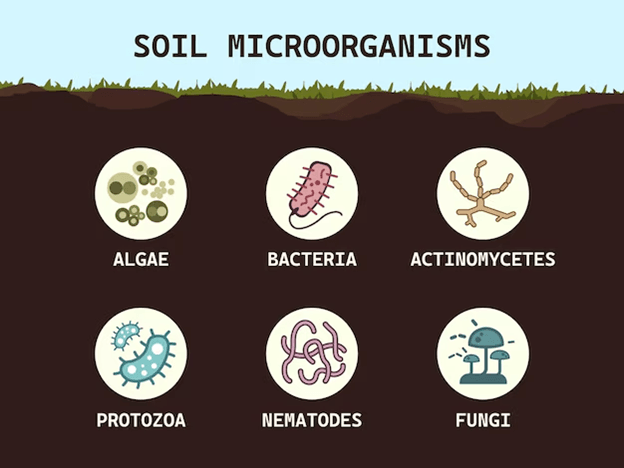
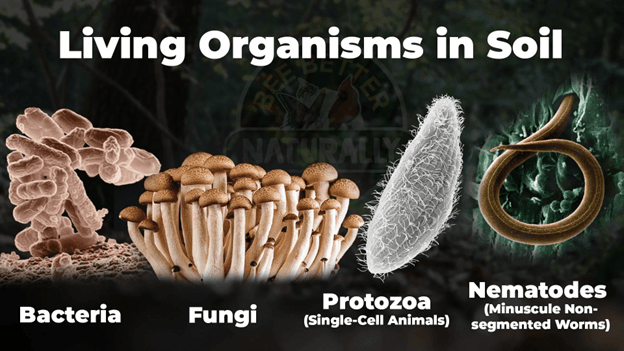
Whether you're a researcher, an agronomist, or an AI engineer, understanding the biological activity inside soil is essential for evaluating fertility, nutrient cycling, and overall ecosystem stability. Microorganisms like bacteria, fungi, protozoa, nematodes, and actinomycetes play crucial roles — but identifying them manually from microscopic images is:
- painfully slow
- highly error-prone
- expensive
- inconsistent between annotators
- not scalable for AI training
We annotate these images to train AI models that fully automate soil biology analysis — turning weeks of lab work into instant, accurate reports.
If you’ve ever struggled with annotating thousands of microscopic soil samples, you know exactly how hard it gets.
That’s where Label Studio comes in — a powerful, open-source, and fully customizable data annotation platform perfect for building semantic segmentation datasets for soil microorganisms.
This guide will show you exactly how to deploy it with Docker, how to use Label Studio for soil microbiology, how to create segmentation masks, and how to export datasets ready for training models like U-Net, DeepLabV3+, SAM, and more.
What is Label Studio?
Label Studio is an open-source data labeling tool originally developed by Heartex (now rebranded as HumanSignal). It's designed to support every data type:
- Images
- Text
- Time Series
- Audio
- Video
- Multi-modal tasks
Its powerful customization options make it especially useful for computer vision segmentation projects.
Key Features
- Fully customizable annotation interfaces (Brush, Polygon, Keypoints…)
- Supports semantic + instance segmentation
- Integrates with ML backends (active learning loops)
- Supports COCO, Pascal VOC, JSON, and RLE formats
- Self-hosted, team-ready, enterprise-friendly
- Easy Docker deployment
For soil microbiology, this flexibility means you can annotate:
- fungi hyphae
- bacterial colonies
- protozoa
- nematodes
- debris/background
With pixel-level precision.
Why Use Label Studio Over CVAT, Supervisely, V7, or MakeSense?
Here’s how Label Studio wins:
✓ 100% Free + Open Source
Unlike V7 or Supervisely, no paid limits or proprietary restrictions.
✓ Easy to Customize
The XML interface lets you define exactly how your annotators should work.
✓ ML Backend Integration
Connect a PyTorch/TensorFlow model to:
- auto-label
- suggest masks
- perform active learning
Perfect for accelerating hard tasks like soil microbe segmentation.
✓ Works Great with SAM / SAM2
You can plug SAM-based auto-segmentation into Label Studio to speed up annotation by 5–10x.
✓ Designed for Self-Hosting
Run it on any server with Docker, behind Apache or Nginx.
For a long-term, scalable soil microbiology annotation system, Label Studio is hard to beat.
Installing and Deploying Label Studio with Docker
Here’s a production-ready deployment setup.
1. Create a working directory
mkdir -p /home/imz/ai/labelstudio cd /home/imz/ai/labelstudio
2. Create the Docker Compose file
version: '3.3' services: labelstudio: image: heartexlabs/label-studio:latest environment: - LABEL_STUDIO_USERNAME=admin@example.com - LABEL_STUDIO_PASSWORD=yourpassword ports: - "9002:8080" volumes: - ./data:/label-studio/data - ./export:/label-studio/export - ./datasets:/label-studio/datasets
3. Start the server
docker compose up -d
Label Studio will now be available at:
How to Use Label Studio – General Workflow
1. Create a Project
Example: “Soil Microorganism Semantic Segmentation”
2. Import Images
Sources:
- Upload JPG/PNG
- Point to /datasets folder
- Load from S3 bucket
- Paste URLs
3. Configure Labeling Interface
You can choose from 30+ templates or write your own XML.
4. Invite Annotators
Create user accounts via the admin panel.
5. Label the Data
Annotators begin drawing masks with:
- Brush
- Polygon
- SAM auto-segmentation
6. Review + Approve
Use built-in quality control tools.
7. Export
Export to:
- COCO (segmentation)
- Semantic mask PNGs
- Pascal VOC
- JSON + RLE
Label Studio for Semantic Segmentation
Semantic segmentation = classifying every pixel in an image.
Perfect for soil microbiology where microorganisms overlap or vary in shape.
Tools Available
- Brush Tool (best for irregular microbes)
- Polygon Tool
- Eraser
- Auto-Segmentation (SAM)
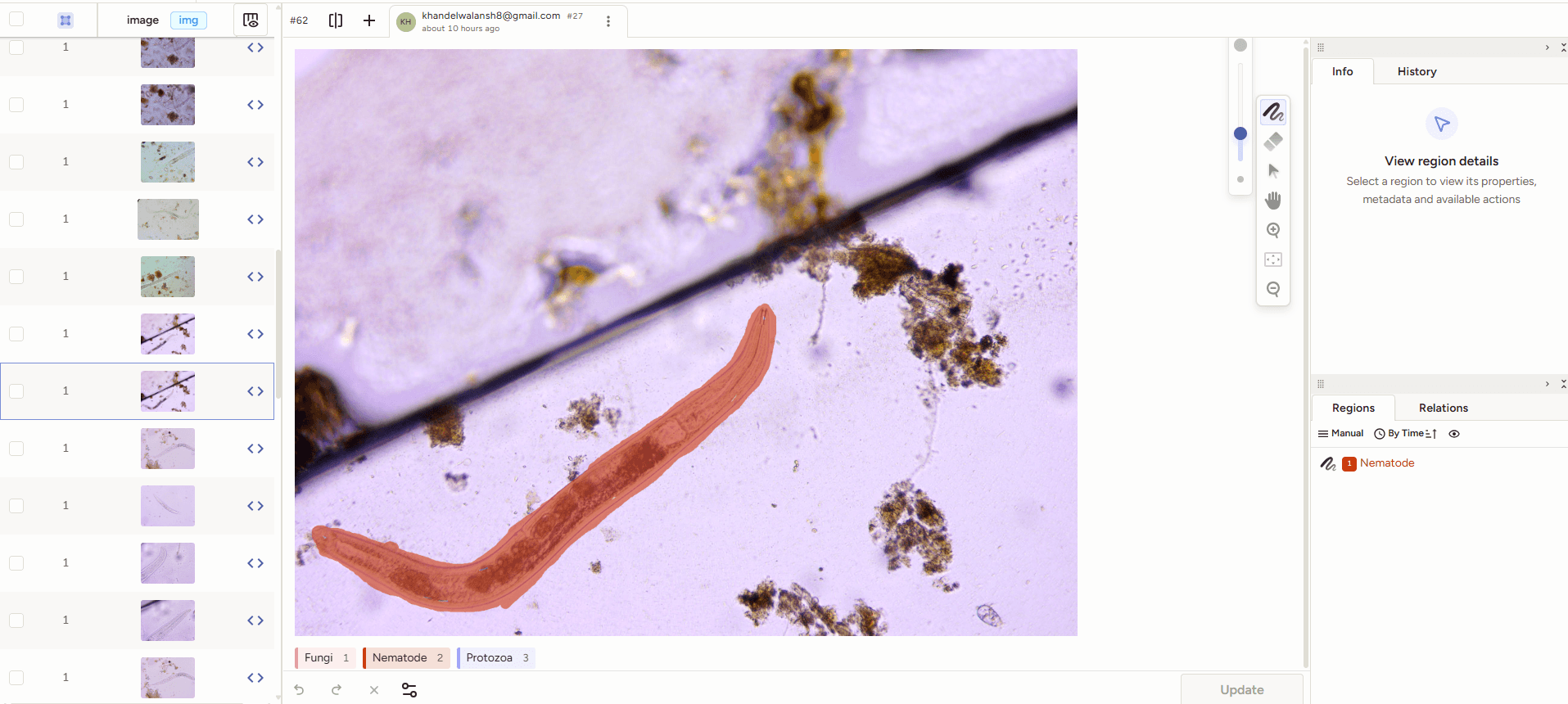
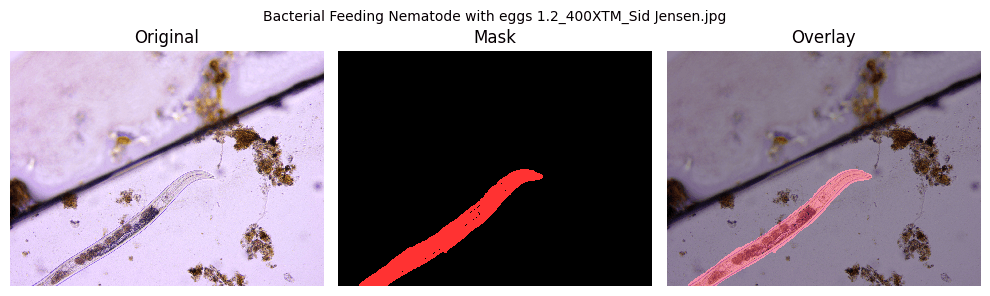
Real-World Use Case: Soil Microorganism Segmentation
Soil contains thousands of microscopic organisms.
Why segment them?
- assess biodiversity
- measure soil health
- understand nutrient cycling
- generate microbial biomass reports
- detect fungal/bacterial imbalance
Challenges
- low-contrast images
- overlapping organisms
- varied shapes (hyphae vs bacteria)
- artifacts and debris
- inconsistent microscope lighting
Why Semantic Segmentation Works
Because it gives a pixel-precise understanding of the image. Example:
| Organism | Color |
|---|---|
| Bacteria | Red |
| Fungi | Green |
| Protozoa | Yellow |
| Nematode | Blue |
| Background | Gray |
This is exactly what models like U-Net, DeepLabV3+, and SAM need.
Tips for Team Collaboration & Scaling
Use Roles
- Annotator
- Reviewer
- Manager
Use Agreement Scores
Ensure labeling consistency across team members.
Enable Active Learning
Auto-label easy regions → human fixes harder ones.
Conclusion
Label Studio is simply the best open-source platform for creating segmentation datasets — especially for complex domains like soil microbiology. With its flexibility, SAM integration, Docker deployment, and team workflows, it becomes a complete end-to-end solution for building training data that powers soil analysis of AI systems. If you want to automate soil microorganism identification, biodiversity scoring, or soil health reporting… Label Studio is your first major step.
About the Author
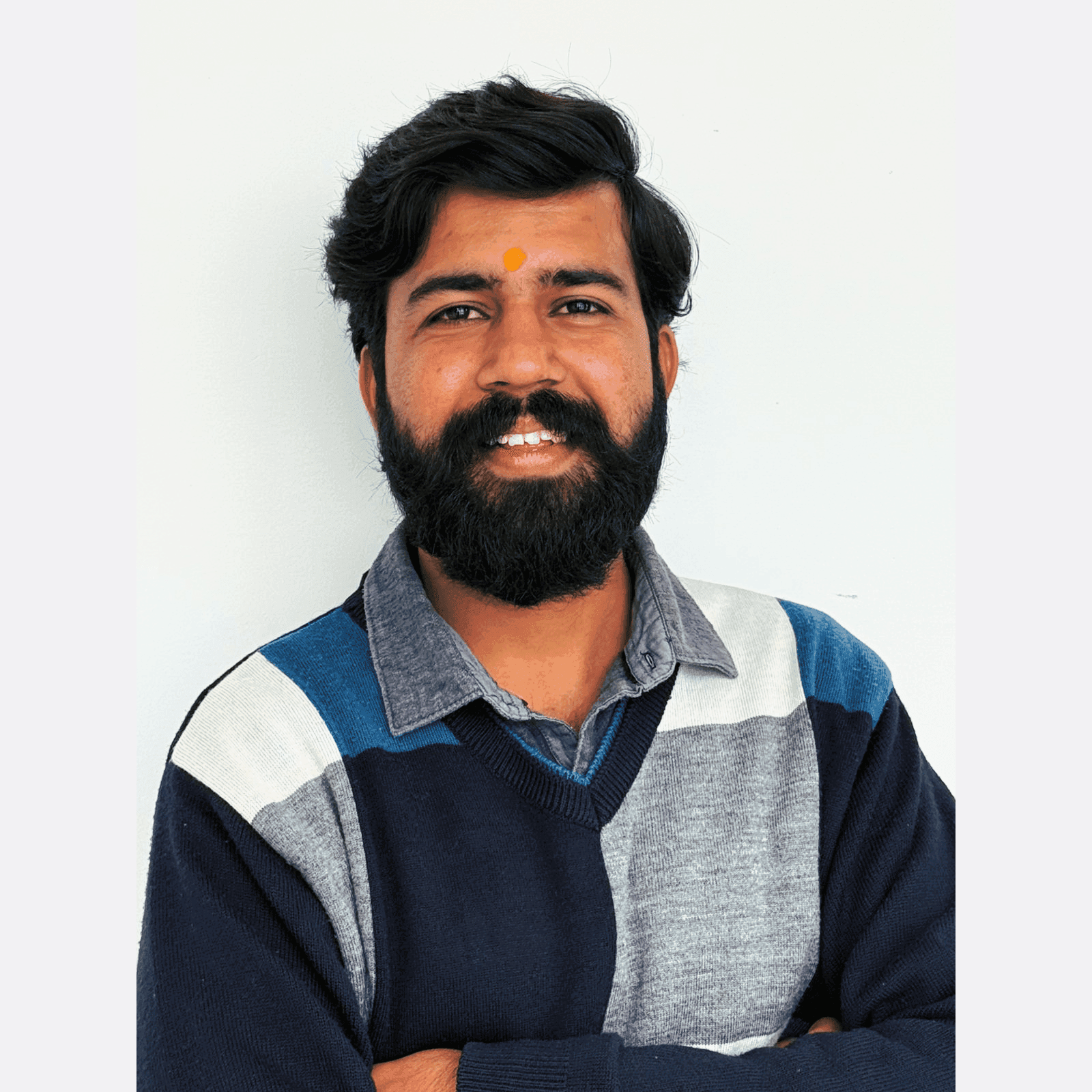
Pratik Jat
Pratik Jat is an AI Research Engineer at Infominez. He specializes in computer vision, NLP, and deep learning, with a focus on building practical AI solutions for real-world applications.
About the Author
Pratik Jat
Pratik Jat is an AI Research Engineer at Infominez. He specializes in computer vision, NLP, and deep learning, with a focus on building practical AI solutions for real-world applications.